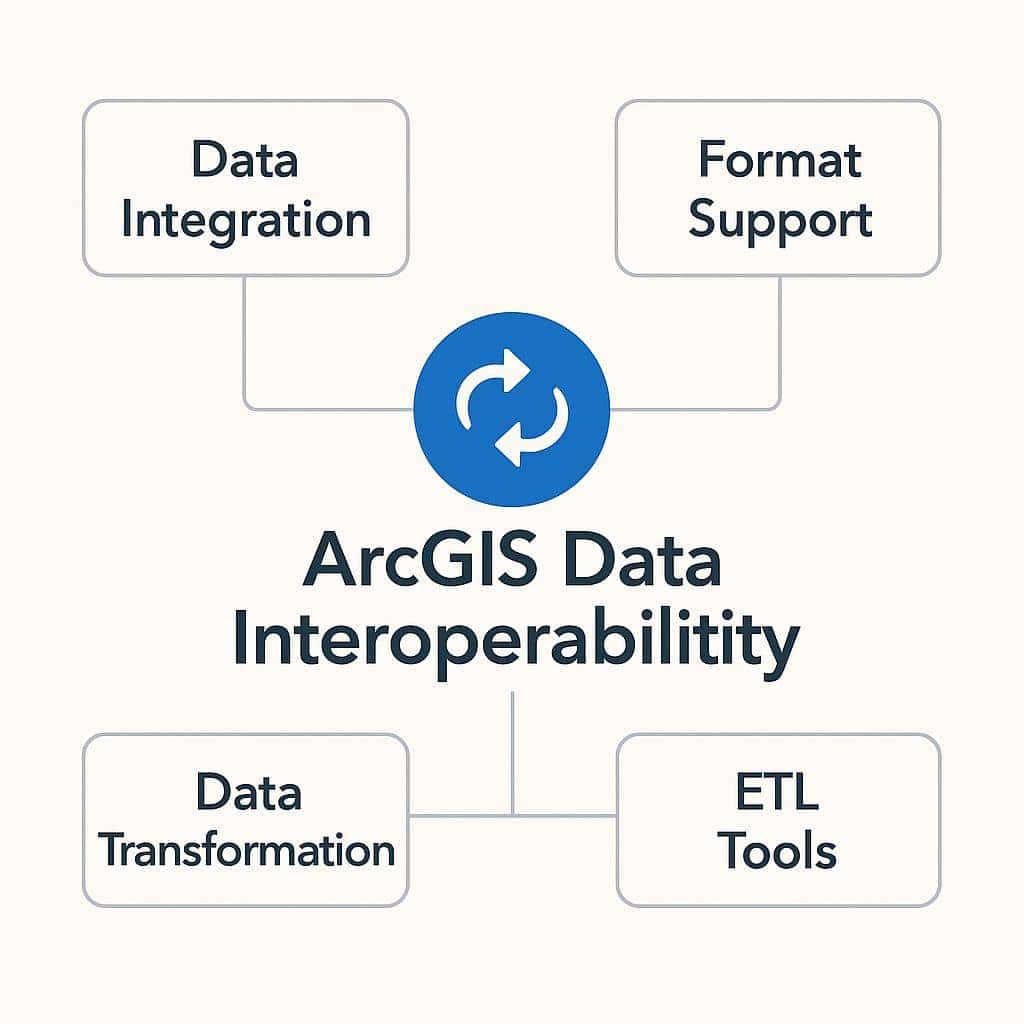
ArcGIS Data Interoperability is an extension for ArcGIS Pro that works as a “universal translator” for spatial data. It lets users read, write and convert back and forth between hundreds of different data formats without leaving the ArcGIS environment.
At its core, it addresses one of the biggest challenges in GIS: how to seamlessly integrate data from many different sources, systems and formats (such as CAD, BIM, Excel, XML and web databases). The extension is built on the FME (Feature Manipulation Engine) technology from Safe Software.
Technical Capabilities and Practical Applications
Data Interoperability is more than a simple format converter. It provides a powerful set of ETL (Extract, Transform, Load) tools for processing data.
1. Direct Read and Format Conversion
This is the most basic capability, yet an extremely useful one, helping to break down data format barriers.
- Technical capabilities:
- Direct Read: Lets you drag and drop data files from more than 400 different formats (for example MicroStation DGN, AutoCAD DWG, KML, GML, GeoJSON) into ArcGIS Pro and use them as a native data layer without converting them first.
- Quick Import / Quick Export: Provides simple tools to quickly import data from an external format into a Geodatabase, or export data from a Geodatabase to another format.
- Practical applications:
- A planner receives design drawings from an architecture firm as an AutoCAD DWG file. Instead of going through several complicated conversion steps, they simply drag the DWG file into an ArcGIS Pro map and review it in the context of other GIS data such as cadastral and infrastructure layers.
- An organization needs to share protected area boundary data with a partner who uses Google Earth. They can use the Quick Export tool to convert a polygon layer from a Geodatabase to KML in just a few clicks.
2. Data Processing and Transformation (ETL - Extract, Transform, Load)
This is the most powerful capability of Data Interoperability, delivered through a visual programming interface called Workbench.
- Technical capabilities:
- Workbench: Provides a visual workspace where you can build complex data processing workflows by connecting functional blocks together:
- Readers (inputs): Read data from one or more sources (Extract).
- Transformers: Hundreds of functional blocks for manipulating and transforming data (Transform). You can join tables, recalculate fields, change coordinate systems, validate and filter data, create new geometry, and much more.
- Writers (outputs): Write the results to one or more target formats (Load).
- Spatial ETL Tools: Workflows created in Workbench can be saved as a custom geoprocessing tool. This tool can then be used in ModelBuilder or Python scripts to fully automate the workflow.
- Workbench: Provides a visual workspace where you can build complex data processing workflows by connecting functional blocks together:
- Practical applications:
- Integrating CAD/BIM into GIS: An infrastructure company receives a detailed Revit (BIM) model of a building. They use Workbench to:
- Extract: Read the different data layers from the Revit file (walls, doors, water pipes).
- Transform: Filter out only the necessary features, such as the fire protection piping system. Then convert the complex 3D objects into simple line features and assign key attributes (such as material and diameter) to the correct fields in the Geodatabase.
- Load: Write the cleaned and standardized results to a Feature Class in the city’s GIS database.
- Complex data migration: A government agency needs to migrate data from a legacy land management system to a new Geodatabase model. The table structures and field names are completely different. They build an ETL tool to automatically read data from the old system, use Transformers such as AttributeManager to rename and rearrange fields, and write the data into the exact structure of the new system, ensuring data integrity.
- Integrating CAD/BIM into GIS: An infrastructure company receives a detailed Revit (BIM) model of a building. They use Workbench to:
3. Web and API Integration
Data Interoperability works not only with files but can also connect to online data sources.
- Technical capabilities:
- HTTPCaller Transformer: Lets you send requests to web services and APIs (Application Programming Interfaces).
- JSON/XML Readers and Flatteners: Provide powerful tools to read and parse common web data formats such as JSON and XML.
- Practical applications:
- Real-time air quality monitoring: An environmental scientist builds an ETL tool. Every 15 minutes, the tool will:
- Use HTTPCaller to send a request to the API of an air quality monitoring station network.
- Receive a JSON file containing the latest PM2.5 concentration data from all stations.
- Parse the JSON file, extract the coordinates and measured values, then update a feature layer in ArcGIS Online directly. The result is a near-real-time air quality map for the public to view.
- Integrating social media data: A disaster management organization uses Data Interoperability to connect to the Twitter API, filter posts containing the keyword “flood” that are geotagged, and then display them on a situational map to get a quick overview of the affected areas.
- Real-time air quality monitoring: An environmental scientist builds an ETL tool. Every 15 minutes, the tool will:
Conclusion
ArcGIS Data Interoperability is an indispensable tool for any GIS professional who regularly works with data from many different sources. It not only saves time and effort in converting data but also opens up new possibilities for integrating, automating and enriching data, turning seemingly incompatible data streams into useful, actionable geographic information.