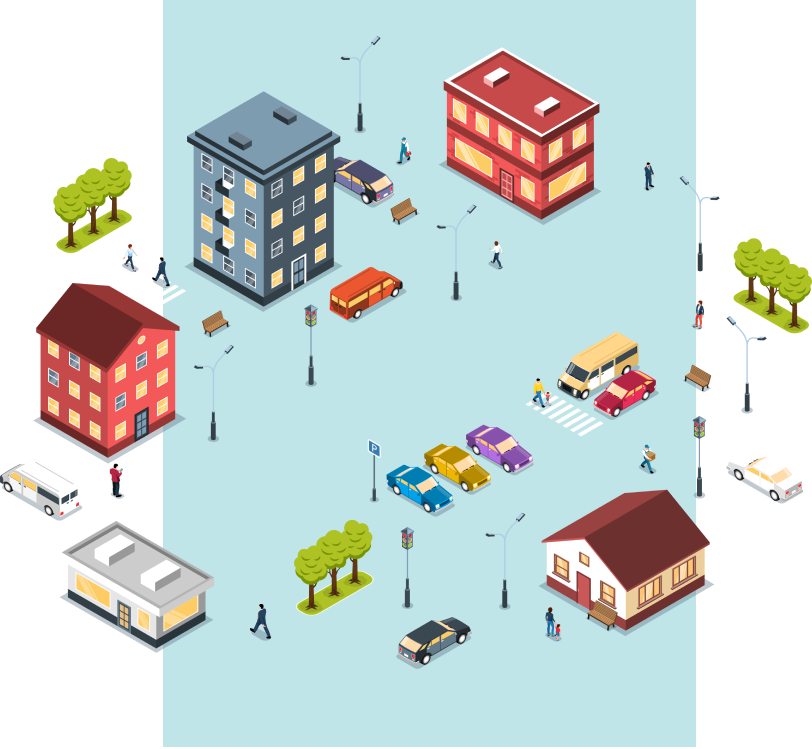
Urban lighting management
Asset management
- Update asset and spatial information: lamp sets and lighting poles, conductor routes, control cabinets, substations.
- Manage photos of assets.
- Search assets by selecting a spatial object, by an area drawn on the map, along a selected route, or within a spatial layer.
- Set up thematic maps: lighting system, number of lights by type, lamp life, conductors and lights by state.
- Export attribute information of a layer or selection to Excel.
- Add, edit or move conductors and objects on the map.
Lighting statistics
- Report installed conductor route length, total active lights, operation and maintenance, and total assets.
- Set up report parameters and query reports by selected region.
- Report incident history by selected region.
Water supply management
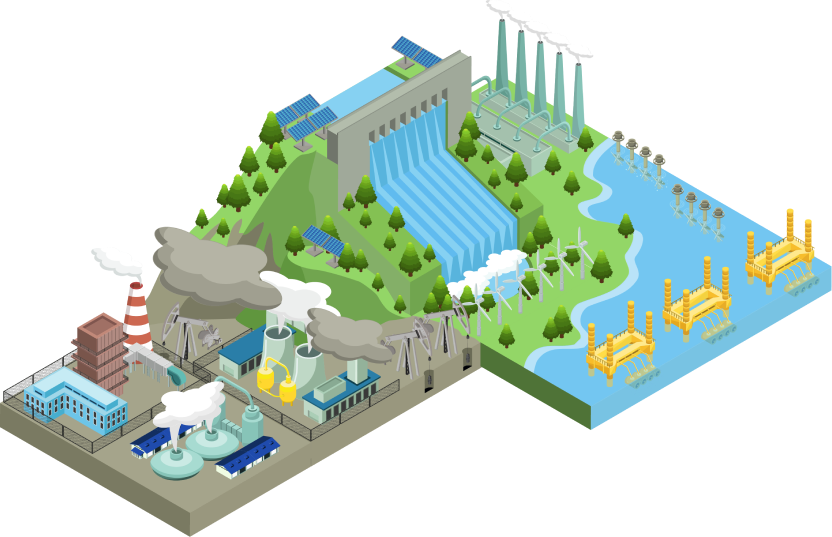
Asset management
- Update asset and spatial information: water supply pipelines, connection points, customer meters, plants.
- Manage photos of assets.
- Search assets: sewer lines, joints, SCADA, meters, master meters.
- Search by selecting a spatial object, by an area on the map, along a route, or within a spatial layer.
- Thematic maps by asset classification; export attributes to Excel; add and edit asset types and objects on the map.
Statistics and customers
- Report asset information by timeline, query reports by region, report incident history.
- Customer information management: search customers, update customer points, export customer information to Excel.
Telecommunications network management
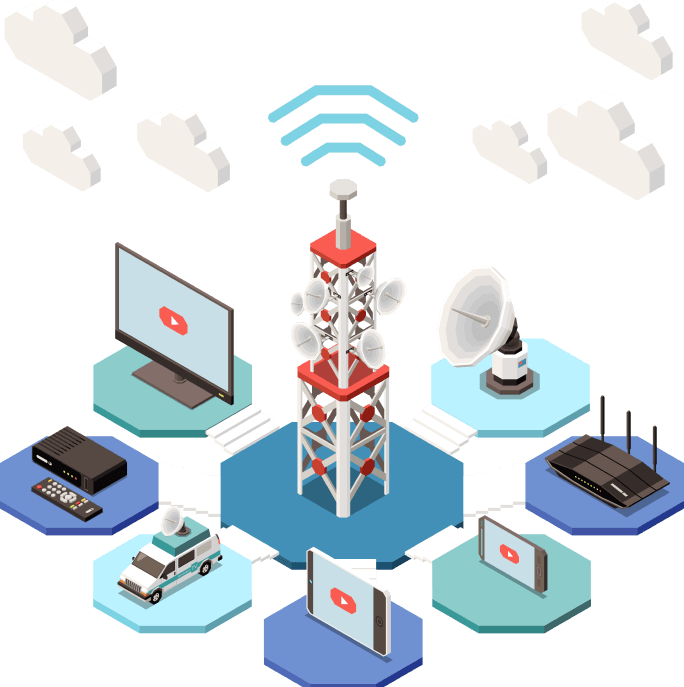
Asset management
- Update asset and spatial information: cable routes, cable boxes, cable cabinets.
- Manage photos of assets and search assets by object, area, route or layer.
- Thematic maps by asset classification; export attributes to Excel; add and edit asset types and objects on the map.
Statistics
- Report asset information by timeline, query reports by region, report incident history.